AE Suicide: AE Crash Recovery
Seattle, Washington 2010-01-04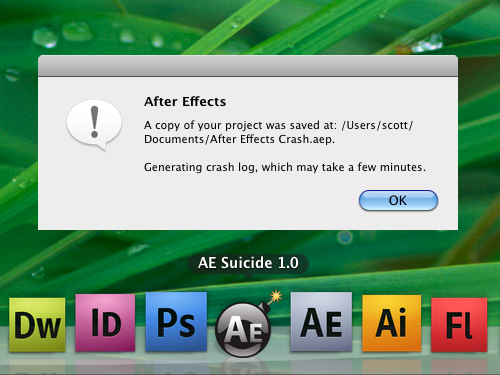
Description
When running Adobe After Effects under OSX, it is possible to attempt to force a crash recovery if the application become unresponsive. I’ve written a script to make the process a little more painless.
The Script
set procName to "Contents/MacOS/After Effects"
set grepCommand to "ps -ef | grep -i '" & procName & "' | grep -v grep | awk {'print $2'} | head -1"
set curPID to do shell script grepCommand
if curPID is not "" then
    set killCommand to "kill -SEGV " & curPID
    set result to do shell script killCommand
end if
Stand-Alone Version
You can export the above AppleScript as an application to keep in your Dock, or download a prebuilt version from AEScripts.com for a suggested price of $10 (though less is great, too).
Credits
AE Suicide was written based on a technique outlined in Adobe After Effects CS4: Optimize the Pipeline.
Thanks to Eric Bauer for first turning me on to this trick and Paulo Dias for help with testing.